

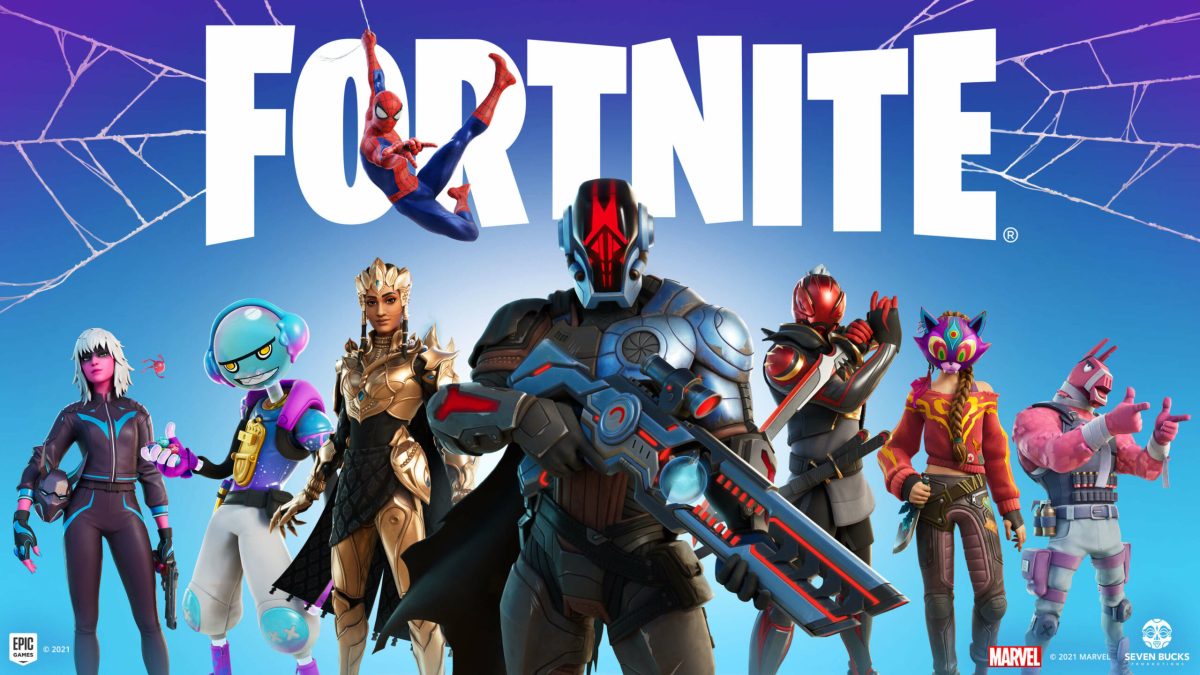

Fortnite is an addicting multiplayer game that has fans all over the world. In addition to the classic Battle Royale, the game has many other modes, various weapons, equipment, and more. But being a world-famous game may not always have good consequences, as certain places sometimes block off access to playing these titles.
How to Play Unblocked Fortnite
Today in many colleges, schools, and even offices, Fortnite is being blocked by firewalls. So if you want to play using shared Wi-Fi, you won’t be able to do it. In the case of educational institutions, it is understandable that teachers believe that games are distracting for students. You can of course use cellular data, but it will be very expensive since Fortnite requires fast internet. Fortunately, there are several ways to safely work around these restrictions.
RELATED: Fortnite Timber Pines Location: Where to Find Timber Pines in Fortnite Chapter 3
The first option is to use VPN. VPN uses third-party servers to change your IP address. So, the ISP will not be able to track you, since your IP address will not be in your college or office, but for example, in another country. You can find many different free and paid VPNs on the Internet. We recommend choosing paid ones, as they provide more options for changing the IP address.
The second way is to use the Chrome extension. It works the same way as a VPN, that is, it changes your IP address. You need to select the extension with the best reviews and then just install and activate it. By doing this, you will gain access to Fortnite.









Published: Jan 8, 2022 09:28 am